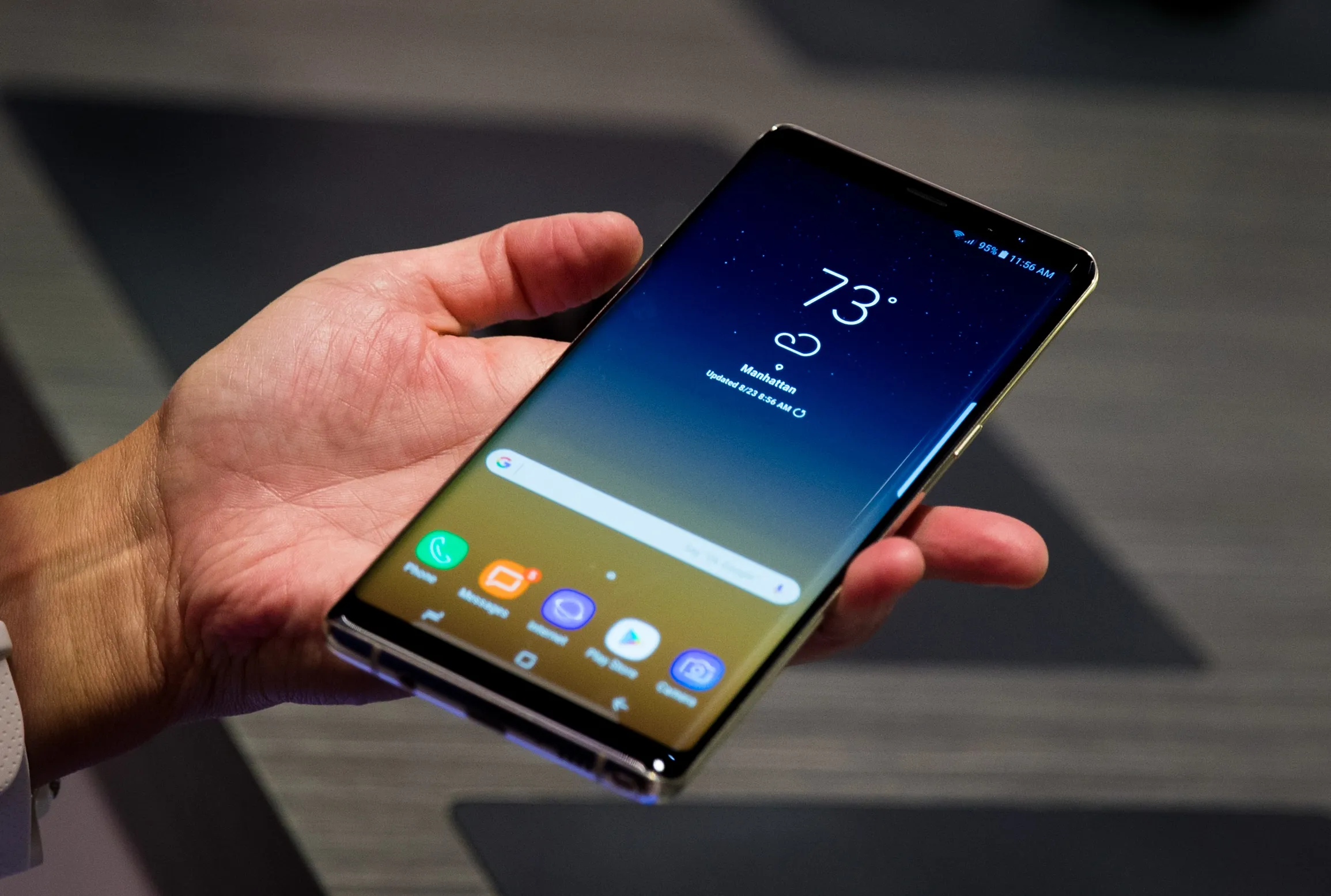
Typing in Malayalam on your phone just keeps getting easier, especially on Android in 2026. Keyboards have gotten smarter, language support is solid, and voice typing actually works. These days, if you want to chat in Malayalam on WhatsApp, it’s basically effortless. Whether you’re brand new to it or just switching from English, Android gives you plenty of simple ways to get started.
Most people stick with the default keyboard that comes with their phone, or they download a reliable one like Gboard from the Play Store. Setting it up isn’t tricky—just pop into your Settings, find “Languages & Input,” and add Malayalam. After that, swapping between English and Malayalam is easy. Just tap the language button or hold down the spacebar while you’re typing in WhatsApp.
Gboard is a favourite for a reason. It lets you type Malayalam in a couple of different ways. If you’re comfortable with the standard script layout, you can use that. Not sure about it? Try the transliteration tool—type Malayalam words using English letters, and Gboard instantly switches them to proper Malayalam. For folks who don’t know the layout by heart, transliteration is a lifesaver.
Voice typing has come a long way by now. Just hit the mic button, speak in Malayalam, and the words pop up as text. It’s fast and does a pretty good job of picking up different accents, so more and more people are sending quick WhatsApp messages this way.
If you want something more specialised, there are apps like Manglish Keyboard built just for Malayalam speakers. You type the sounds using English (like “ente peru”), and it shows up in Malayalam script (എന്റെ പേര്). Simple, lightweight, and filled with extras—stickers, emojis, smart suggestions—all designed for people who use Malayalam every day.

Some Android phones take it a step further with handwriting input. You just draw out the letters—finger or stylus—and the keyboard turns them into text. It’s slower, but if you’re more comfortable writing than typing, it’s another handy option.
And hey, make sure you keep your keyboard app updated. Updates usually mean better language support, smarter word predictions, and improved voice typing. Turning on things like auto-correct and suggestions can also save you time and typos.
Basically, typing Malayalam on Android in 2026 is a breeze. Pick the tool that works for you—keyboard, transliteration, voice, or even handwriting. With these choices, chatting on WhatsApp feels natural, like tech finally caught up with everyday life.



Leave a Reply