





In today’s fast-paced world, staying connected is more important than ever. For Airtel users, knowing your own phone number is essential for a variety of tasks, from sharing your contact information with new friends or colleagues to managing your account online. If you’ve forgotten your Airtel number or are setting up a new SIM card, don’t worry there are several simple methods to retrieve it. This guide will walk you through each step to find your Airtel number quickly and efficiently.

Method 1: Using USSD Codes
USSD (Unstructured Supplementary Service Data) codes are a quick and easy way to find your Airtel number without needing an internet connection. Here’s how you can use USSD codes to find your Airtel number:
- Open your phone’s dialer: Go to the dial pad on your mobile phone.
- Enter the USSD code: Dial *121# and press the call button.
- Follow the prompts: You will receive a menu with several options. Select the option that provides you with your phone number. Alternatively, you can try dialing *282# directly, which is a shortcut to retrieve your Airtel number.
This method works on both feature phones and smartphones, making it accessible for all Airtel users.
Method 2: Using the My Airtel App
For smartphone users, the My Airtel app offers a convenient way to manage your Airtel account and services, including finding your phone number. Follow these steps:
- Download the My Airtel app: If you haven’t already, download and install the My Airtel app from the Google Play Store or Apple App Store.
- Log in to your account: Open the app and log in using your Airtel credentials. If you haven’t registered, you will need to sign up using your Airtel number.
- Navigate to your profile: Once logged in, go to the profile section of the app. Your Airtel number will be displayed prominently on the dashboard or in the account details section.
The My Airtel app is a useful tool for managing your account, checking your balance, and recharging your phone, in addition to finding your number.
Method 3: Calling or Texting Another Phone
If the above methods are not viable for you, a straightforward approach is to use your Airtel phone to call or text a friend or family member. Here’s how:
- Make a call or send a text: Use your Airtel phone to call or text someone you know.
- Check the recipient’s phone: Ask the person to check the caller ID or the received message for your number.
This method is quick and effective, especially if you’re in a situation where you need to find your number immediately.
Method 4: Checking Your SIM Card Packaging
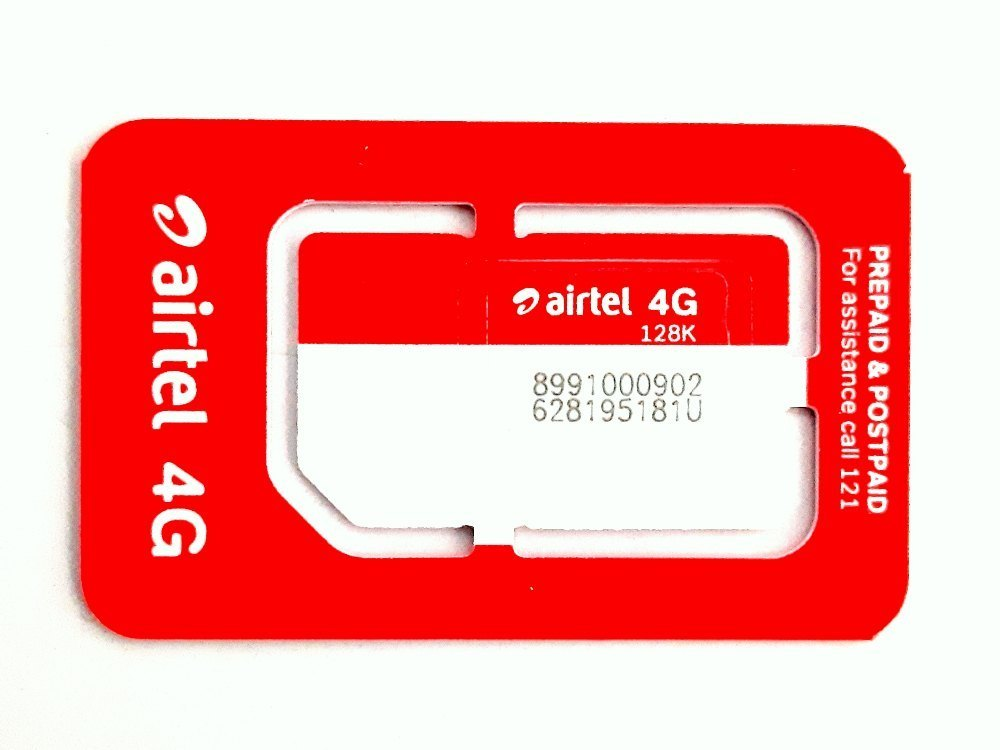
If you have recently purchased a new Airtel SIM card, your phone number is usually printed on the packaging or the SIM card holder. Here’s what to do:
- Locate the SIM card packaging: Find the original packaging or the cardholder that came with your Airtel SIM.
- Check for the number: Look for a sticker or printed information that includes your phone number.
Keeping this packaging in a safe place can save you time if you need to reference your number in the future.
Method 5: Contacting Airtel Customer Support
If none of the above methods work, contacting Airtel customer support can help you retrieve your number. Here’s how:
- Call Airtel customer service: Dial 121 from your Airtel phone to reach customer service.
- Follow the prompts: Navigate through the automated menu to speak with a customer service representative.
- Verify your identity: Be prepared to provide some personal information to verify your identity before they can disclose your phone number.
Conclusion
Forgetting your phone number can be a minor inconvenience, but with Airtel, there are multiple ways to find it quickly. Whether you prefer using USSD codes, mobile apps, or simply calling a friend, these methods ensure you can always retrieve your Airtel number when needed. Keeping this guide handy will ensure you’re never left wondering about your own contact details again.